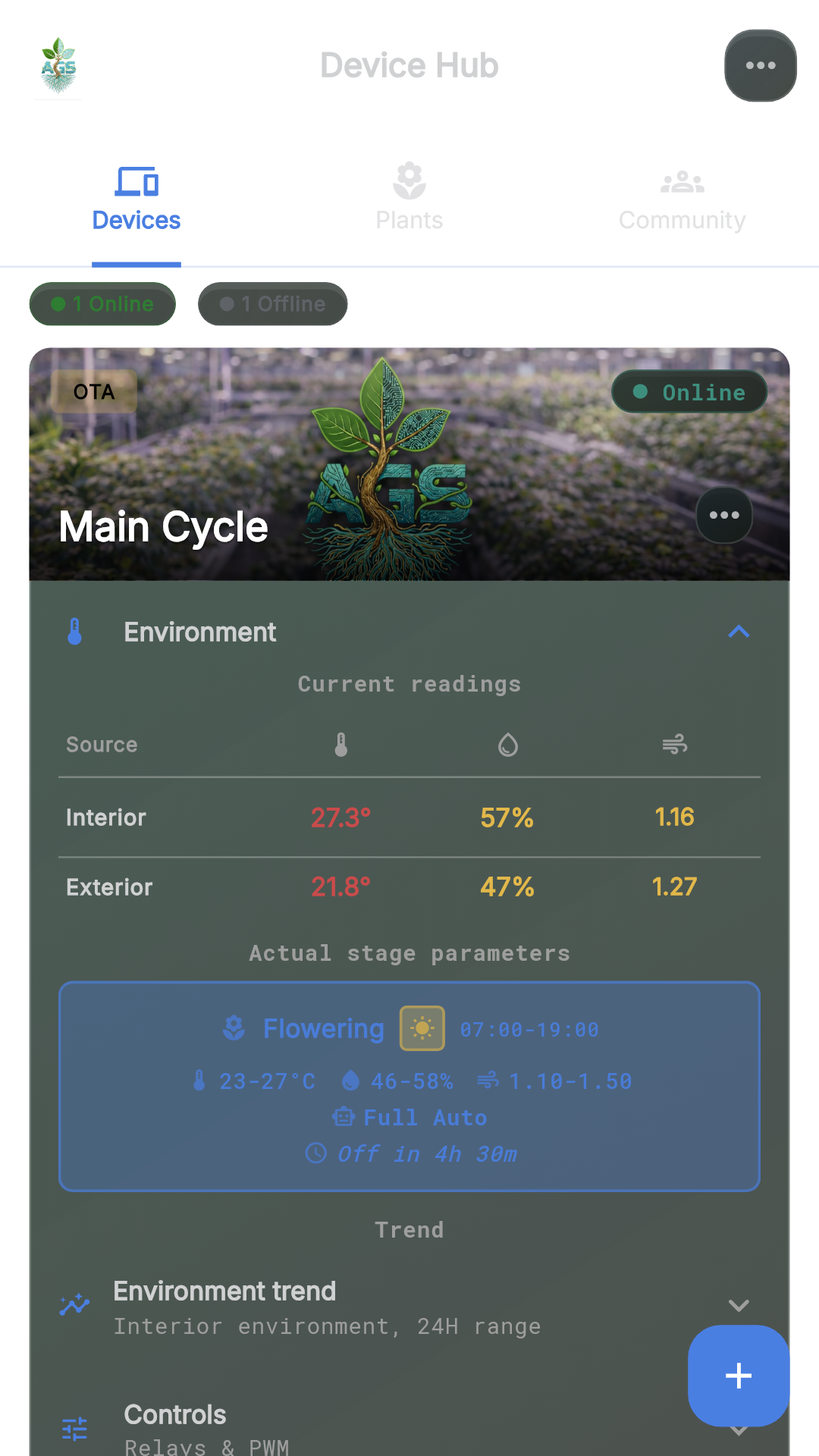
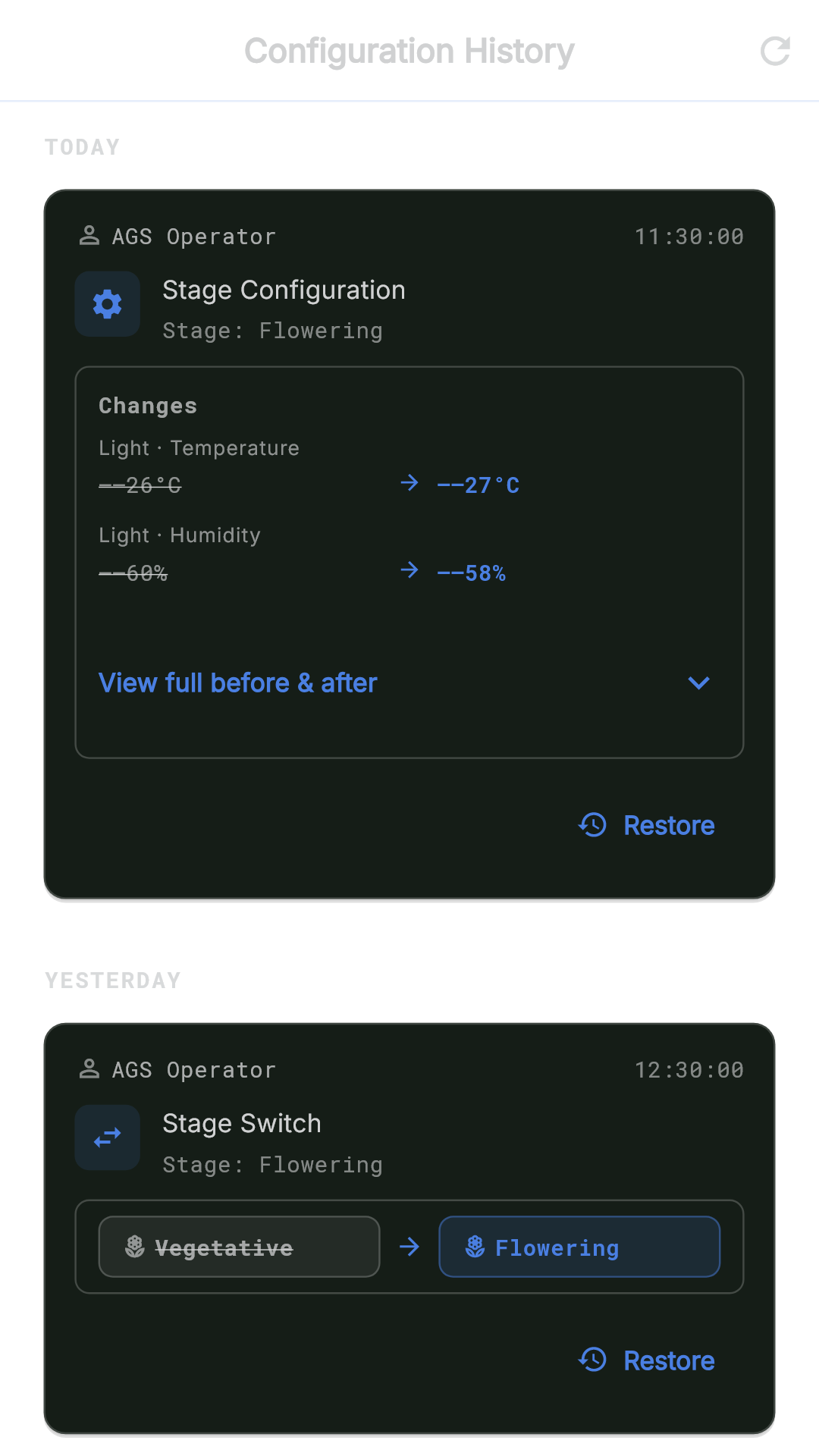
Configuration starts from what the grower recognizes.
Lights, air, humidity, schedules, and room stages are presented as operating context, not as a list of internal parts.

AGS includes real configuration surfaces for room setup, equipment, schedules, and change history. Buyers see operating confidence here, while exact compatibility details stay in manual-style material.
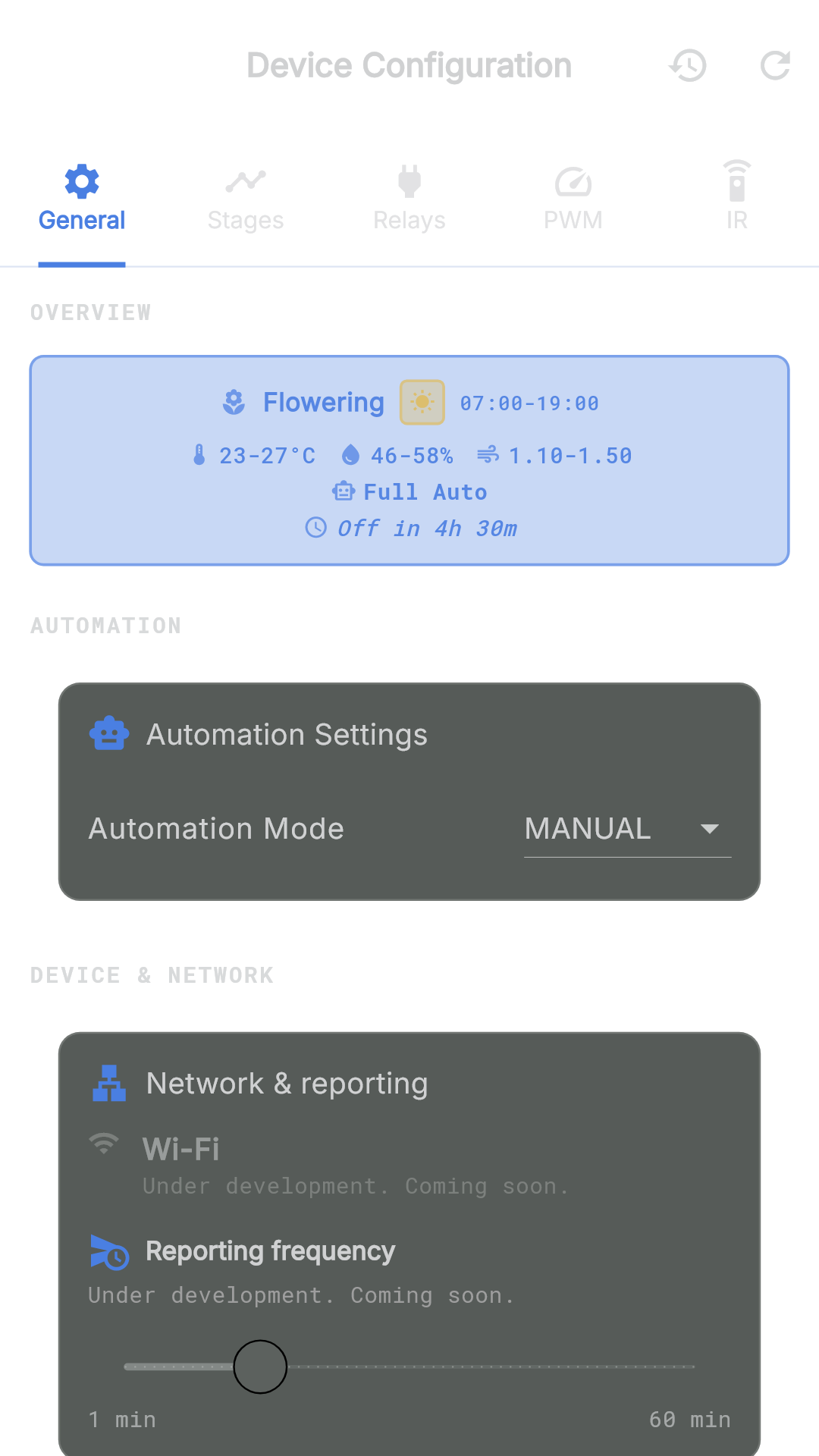
This page shows deeper app capability through buyer outcomes: setup, live room confidence, and readable history.
Lights, air, humidity, schedules, and room stages are presented as operating context, not as a list of internal parts.
AGS gives the grower visible settings, readable defaults, and clear change history, so the room setup stays understandable.
Compatible outlets and room accessories can join the same room view, keeping daily checks in one app.
Technical details stay available for installers and support, while the public story stays focused on usefulness and confidence.